03. Hardware Platform of the Course
Purpose of the section
This section introduces the practical SDR stand used in the course and explains how each hardware element contributes to the full engineering chain:
model → FPGA / RF frontend → external receiver → IQ recording → offline analysis
1. Hardware baseline
The first block uses a compact but realistic SDR setup:
- Zynq-7020 + AD9363 SDR board;
- RTL-SDR external receiver;
- PC for modeling, observation, recording and analysis;
- cable or over-the-air RF link;
- attenuators, adapters and matching elements when required.
2. RTL-SDR V3 Pro
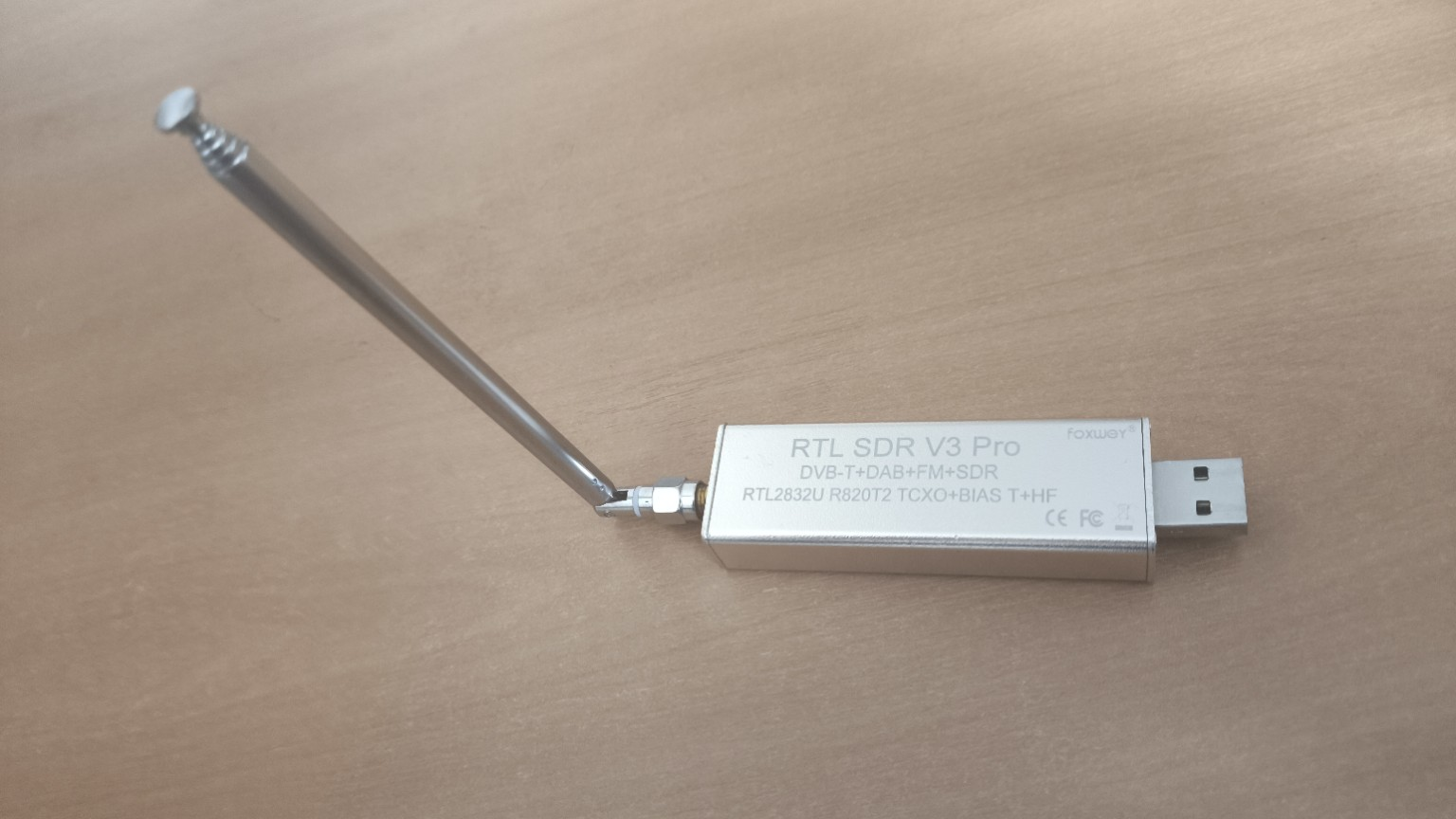
The RTL-SDR receiver is used as an external observation instrument. It allows students to verify that the transmitted signal exists outside the main SDR board and can be received by an independent device.
Role in the course:
- first signal detection;
- HDSDR spectrum and waterfall observation;
- IQ recording for offline analysis;
- practical demonstration of receiver gain, noise and overload.
3. Xilinx Zynq-7020 + AD9363 board
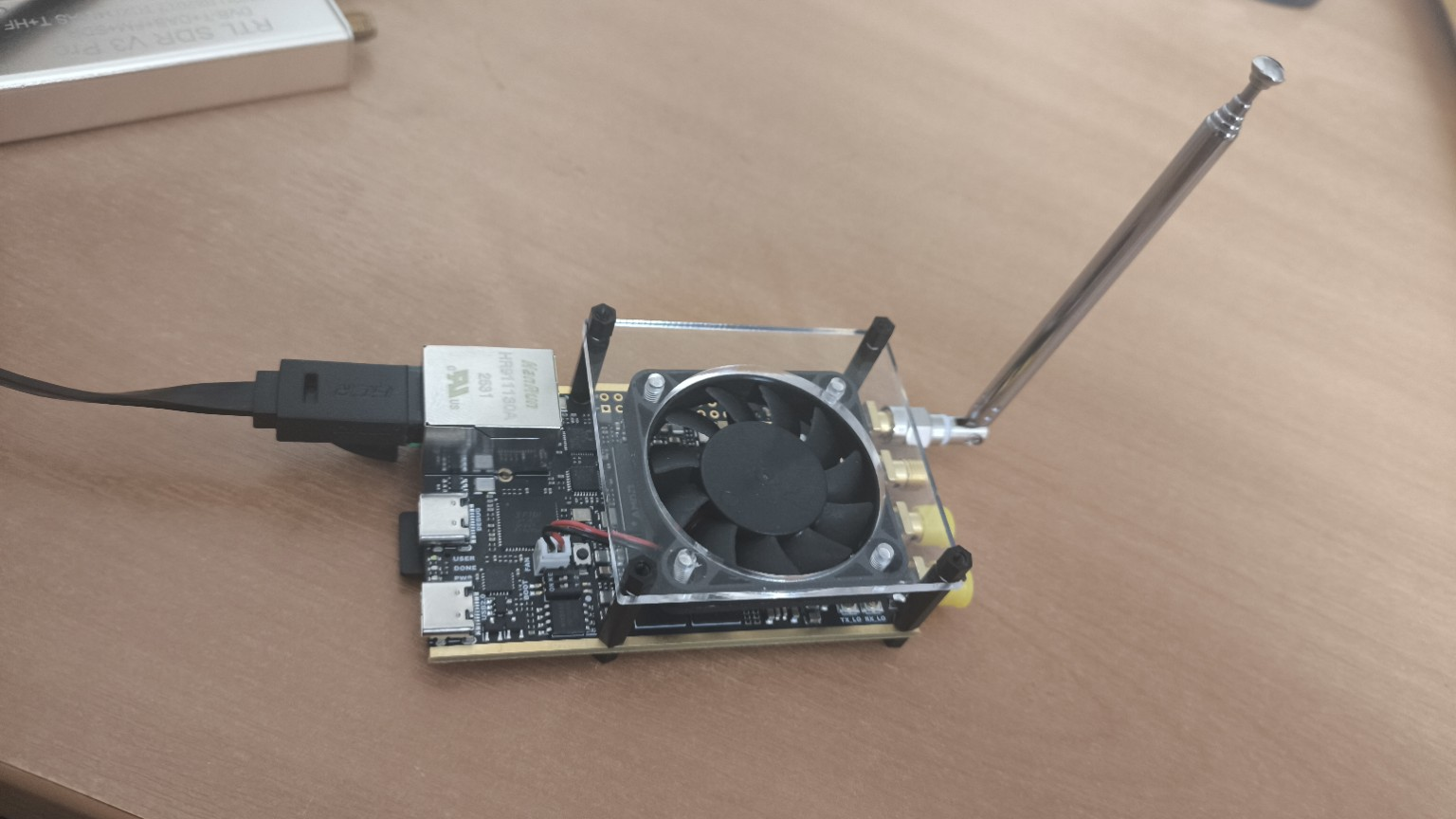
This is the main board-level SDR platform of the course. It connects digital signal processing with a real RF frontend.
Zynq-7020 provides:
- ARM processing system for control and configuration;
- FPGA programmable logic for deterministic streaming DSP;
- a practical bridge between software models and hardware implementation.
AD9363 provides:
- RF transmit and receive chains;
- DAC/ADC conversion;
- analog filtering and frequency translation;
- I/Q stream interface with the digital processing path.
4. SDR stand flow
flowchart TB
    classDef model fill:#E0F2FE,color:#0F172A,stroke:#0284C7,stroke-width:1px;
    classDef fpga fill:#DCFCE7,color:#0F172A,stroke:#16A34A,stroke-width:1px;
    classDef rf fill:#FFE4E6,color:#0F172A,stroke:#E11D48,stroke-width:1px;
    classDef data fill:#EDE9FE,color:#0F172A,stroke:#7C3AED,stroke-width:1px;

    MODEL["MATLAB / Simulink<br/>reference model"]:::model
    CFG["Configuration<br/>Fc / Fs / gain / bandwidth"]:::model
    BOARD["Zynq-7020 + AD9363<br/>FPGA + ARM + RF frontend"]:::fpga
    LINK["RF link<br/>coax / attenuator / antenna"]:::rf
    RTL["RTL-SDR<br/>external receiver"]:::data
    HDSDR["HDSDR<br/>spectrum / waterfall"]:::data
    IQ["IQ recording<br/>WAV / RAW / CI16"]:::data
    ANALYSIS["Offline analysis<br/>MATLAB / Python / GNU Radio / C++"]:::model

    MODEL --> CFG --> BOARD --> LINK --> RTL --> HDSDR --> IQ --> ANALYSIS
    ANALYSIS -. parameter tuning .-> CFG
    ANALYSIS -. model correction .-> MODEL
5. Connection options
Over-the-air setup
Advantages:
- intuitive demonstration;
- quick setup;
- close to real RF operation.
Limitations:
- external interference;
- lower repeatability;
- stronger dependence on antenna placement and environment.
Cable setup
Advantages:
- repeatable measurements;
- controlled channel;
- easier comparison between experiments.
Limitations:
- attenuation is mandatory;
- direct uncontrolled TX-to-RX connection is unsafe;
- input-level limits must be respected.
6. Signal-level discipline
Never connect a transmitter directly to a receiver without understanding signal levels.
Always consider:
- maximum safe input level;
- attenuation;
- cable losses;
- receiver gain;
- clipping and overload symptoms.
7. Pre-lab checklist
Before starting the first lab, verify that:
- the SDR board is powered correctly;
- RTL-SDR is recognized by the PC;
- the selected RF link is safe;
- HDSDR can display receiver spectrum;
- IQ recording path is prepared;
- experiment parameters are documented.
8. Engineering takeaway
The hardware stand is intentionally simple at the first stage, but it already contains the complete SDR engineering loop:
generate → transmit → receive → observe → record → analyze → improve
This is the foundation for later blocks on modulation, synchronization, fixed-point implementation, FPGA processing and RF measurements.